What does Recall do?
The things you meant to keep end up scattered: a price in a screenshot, an invoice in a PDF, a Wi‑Fi password in a photo, a link someone shared. You remember what it was, not where it is. Recall searches what you remember.
Google searches the internet. Recall searches your own phone, and only the parts you choose to give it. It isn’t a chatbot, a gallery or a cloud drive: it’s a search engine for things you’ve already seen, saved or chosen to remember.
that 5g router around 40k
finds the AW1000 listing you screenshotted, priced at Rs. 40,000.ABC invoice around 35 thousand
finds invoice INV-2849, for LKR 34,580.bike radiator measurements
finds the Yamaha XJ6 part: 320 x 210 x 32 mm.
Features
- 01Search by description
Words and meaning together. Recall understands dates, amounts, source words and #tags in what you type, so “invoice from last month” means exactly that.
- 02Reads your screenshots
On-device text recognition turns screenshots and photos into searchable text, tall screenshots included.
- 03Documents and scanned PDFs
PDFs and text files you pick, or whole folders. Image-only PDFs are rendered and read.
- 04Share anything to it
Text, links, images and PDFs from any app, plus quick notes. Saved links get their page’s title, description and picture.
- 05Timeline and Library
Everything by day and month, or by kind, favourites and tags. Long-press to tag, favourite, exclude or delete several at once.
- 06Seven languages
Reads Sinhala, Tamil, Devanagari, Chinese, Japanese and Korean script as well as Latin, and searches by meaning across them and English.
- 07Optional on-device AI
Gemini Nano, off by default, can help with long queries, summaries and title ideas. Everything works without it.
- 08Encrypted backup
Export with a passphrase and restore on another phone.
Inside the app
Every screen here is Recall’s own interface: its Compose screens rendered with the app’s demo memories, in the theme this page is showing. Scroll sideways for more.
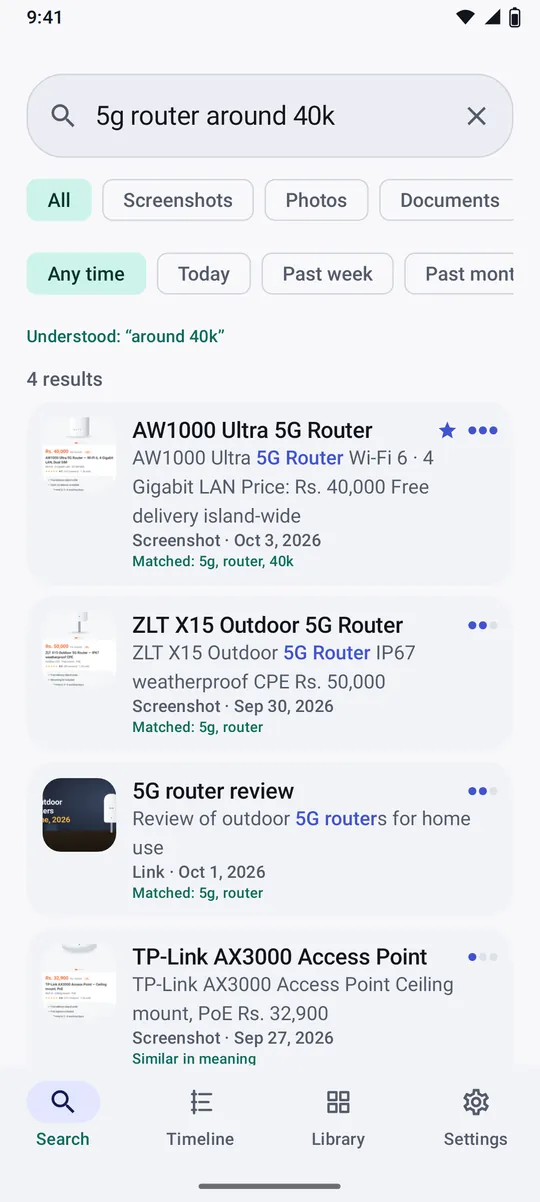
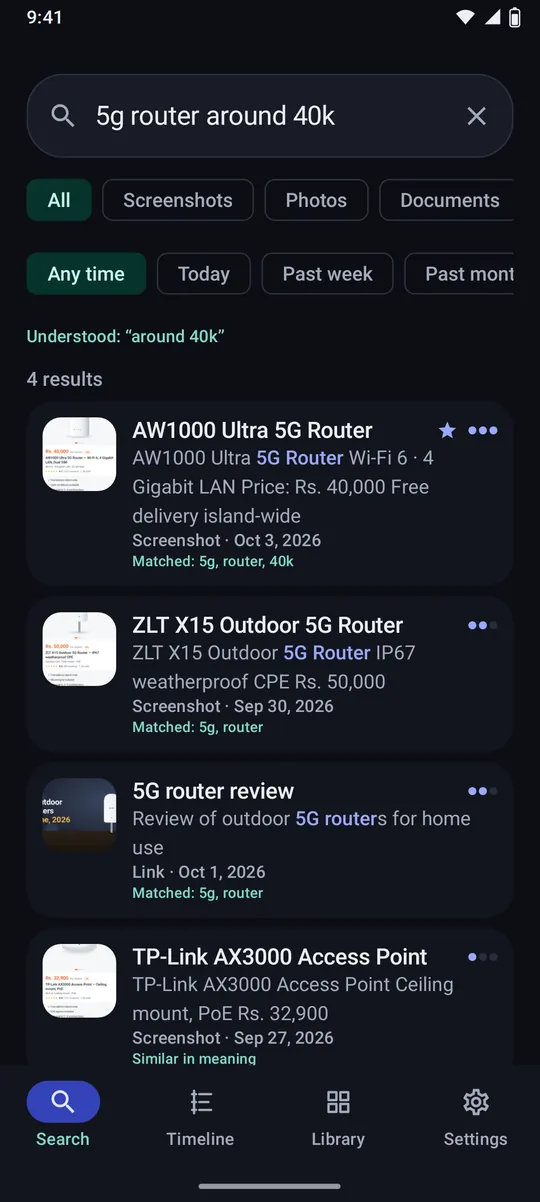
Search Describe it. Recall shows what it understood (“around 40k”), how strongly each memory matched, and why.
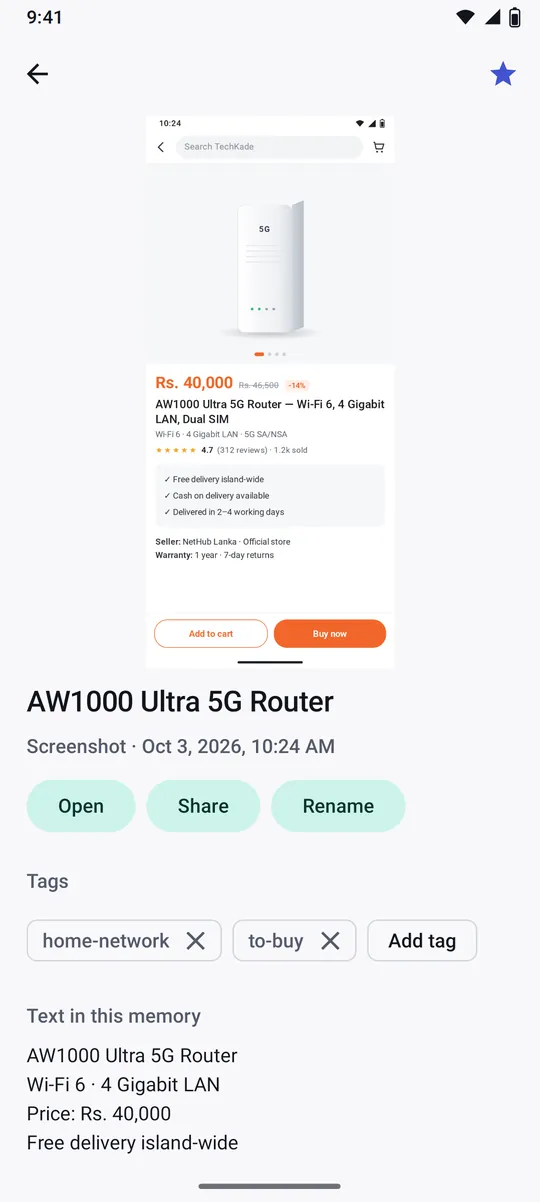
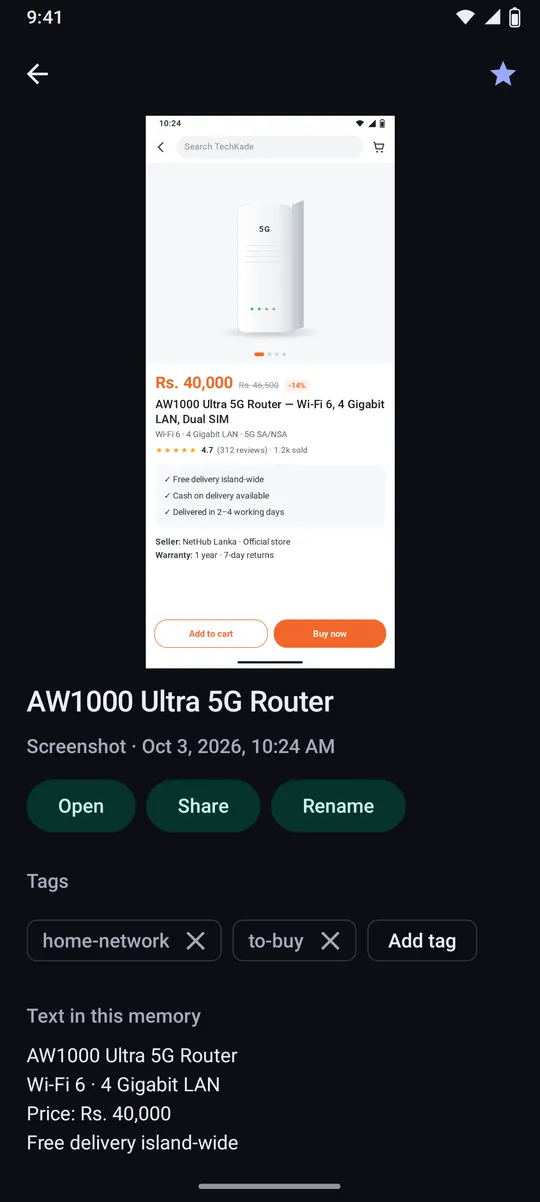
Memory Each memory keeps the original, the text Recall read from it, and your tags.
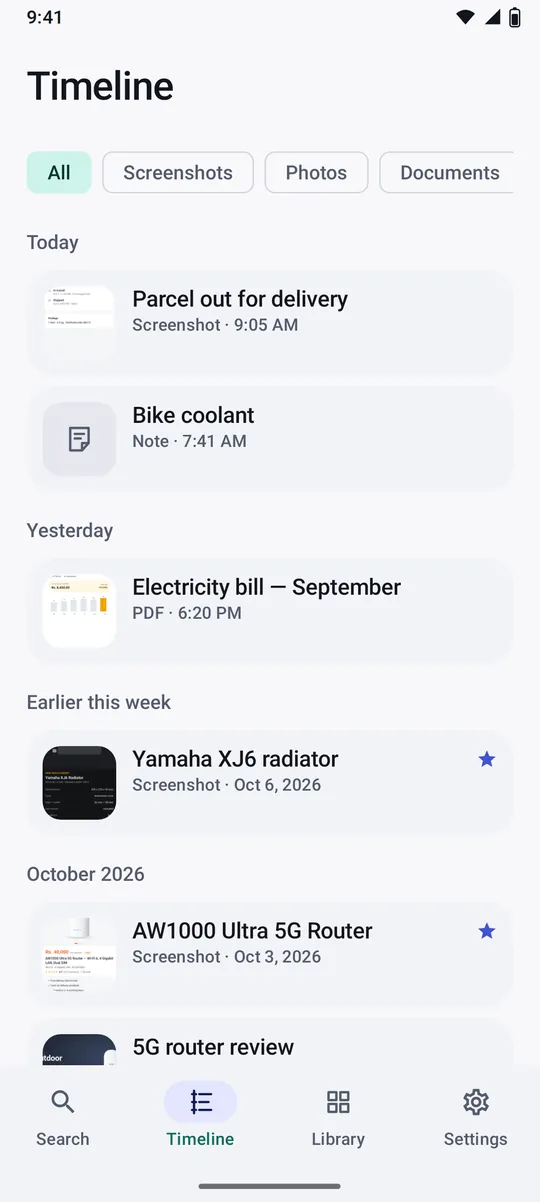
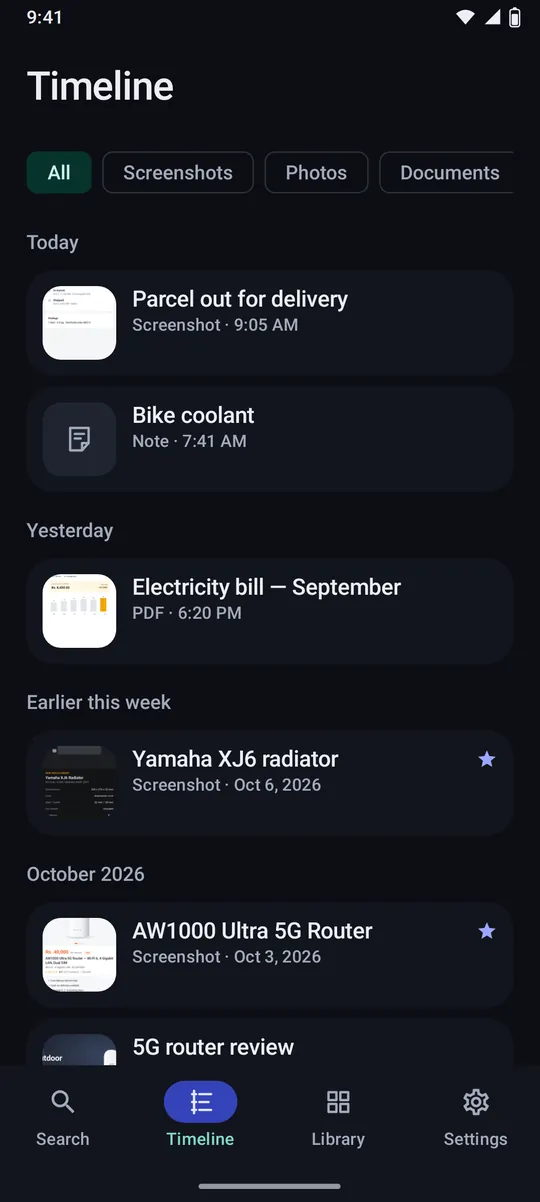
Timeline Everything you saved, in order, by day and by month.
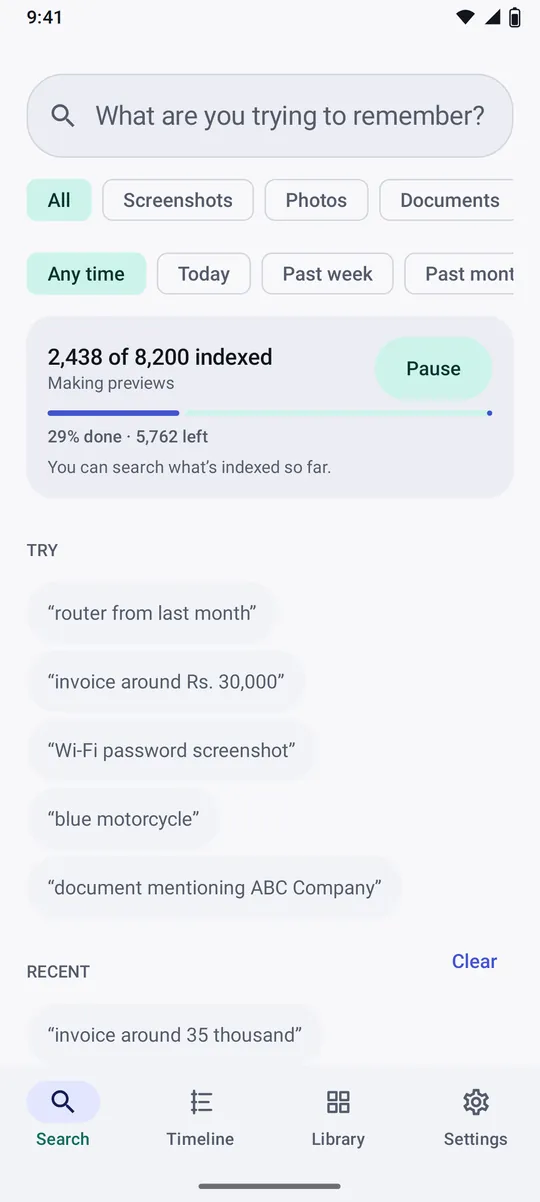
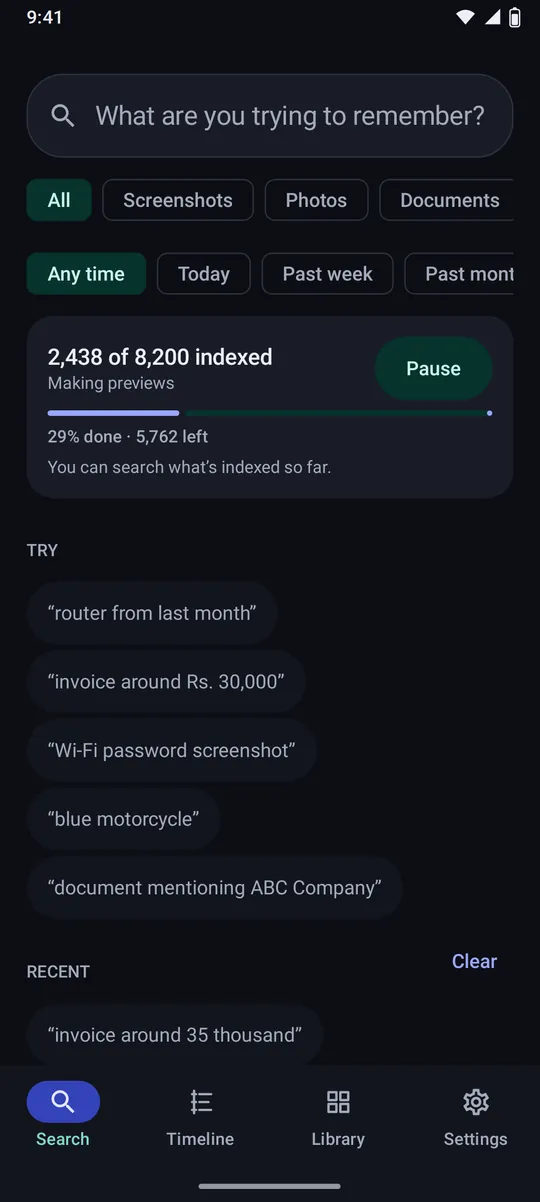
Indexing Indexing runs in the background, and what is done can already be searched.
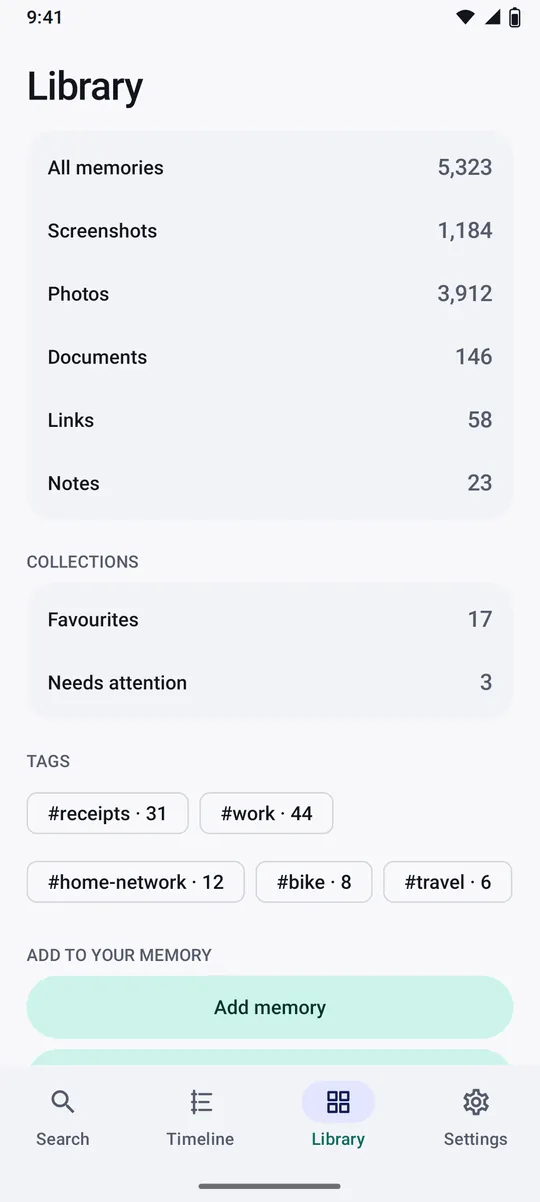
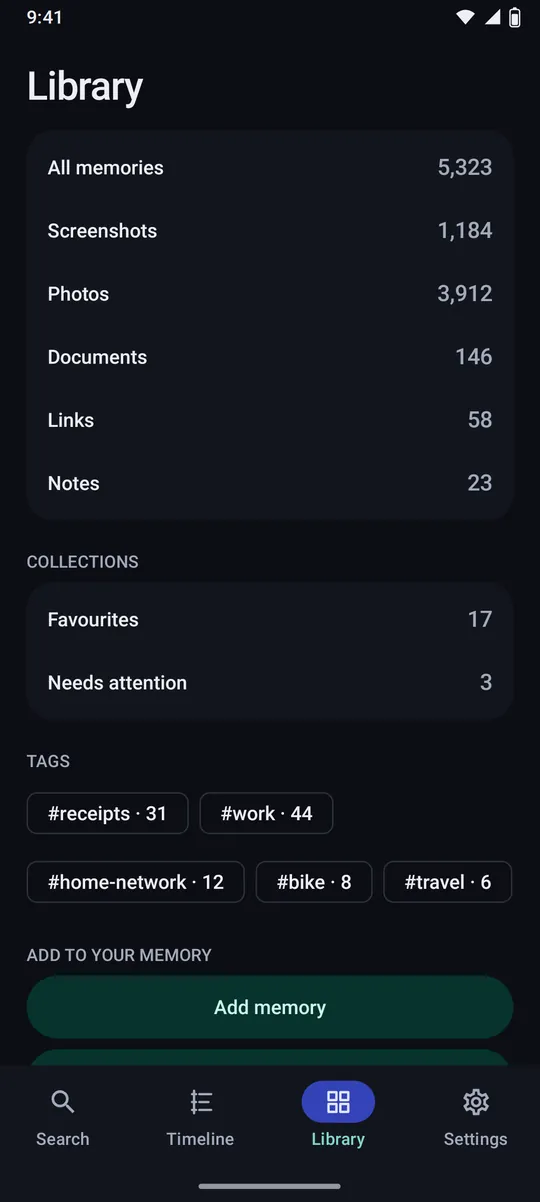
Library Browse by kind, favourites and tags.
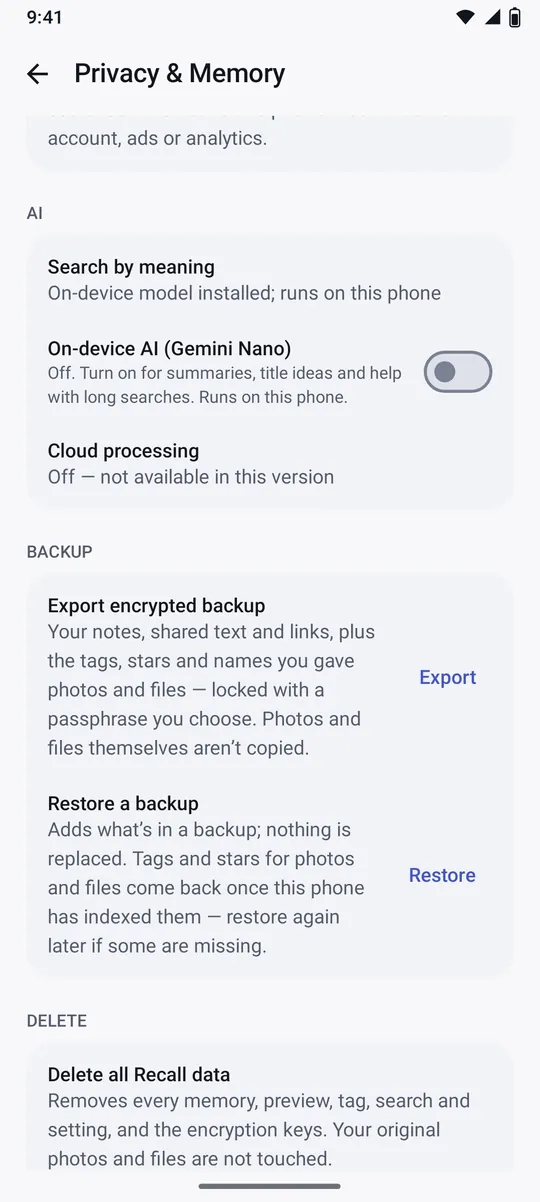
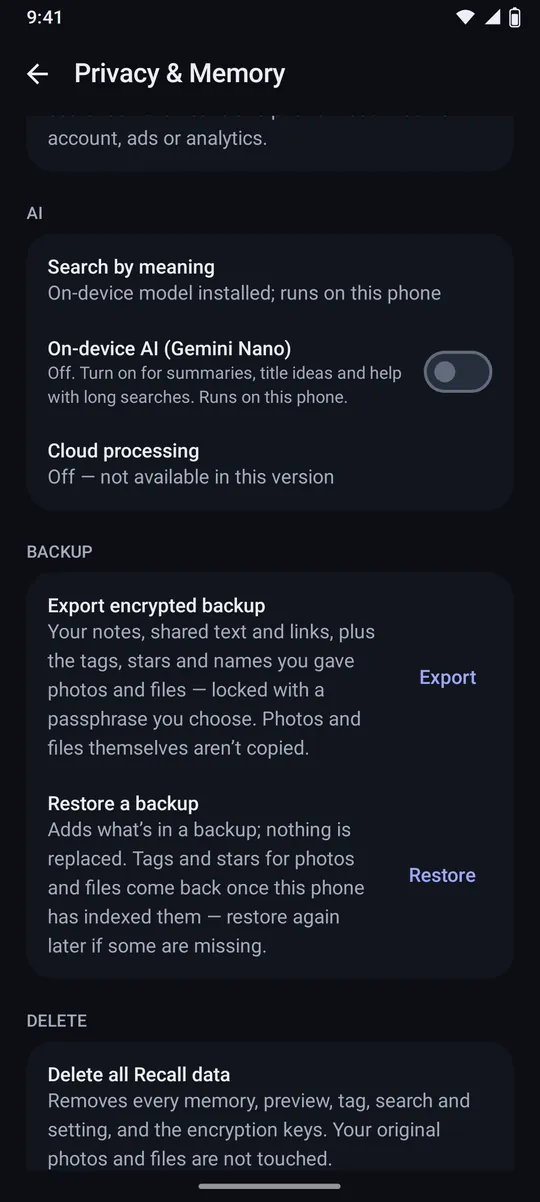
Privacy & Memory On-device AI is opt-in, cloud processing is off, and one button deletes everything.
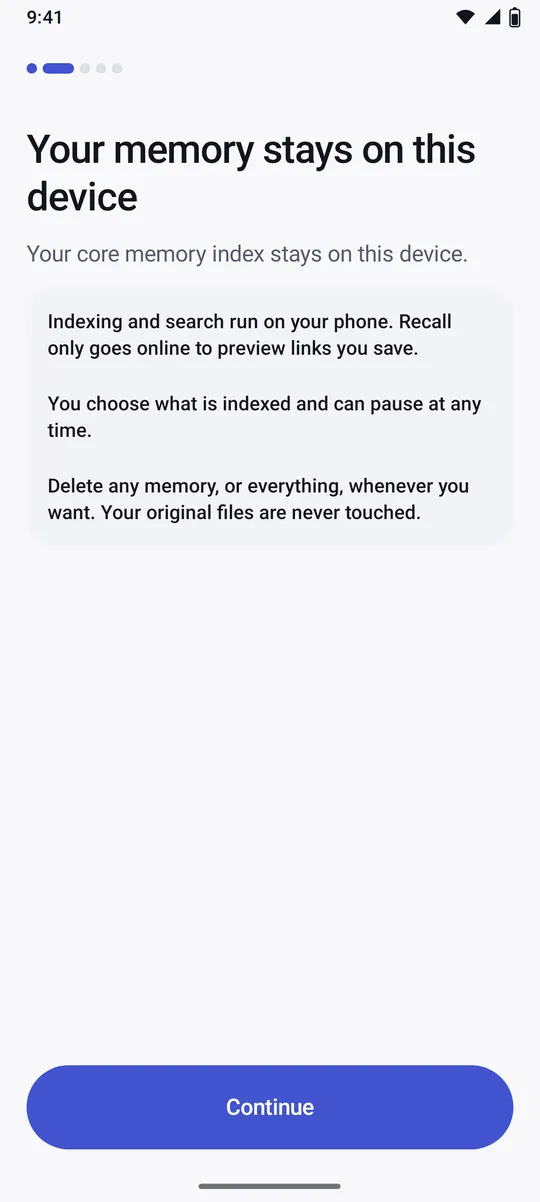
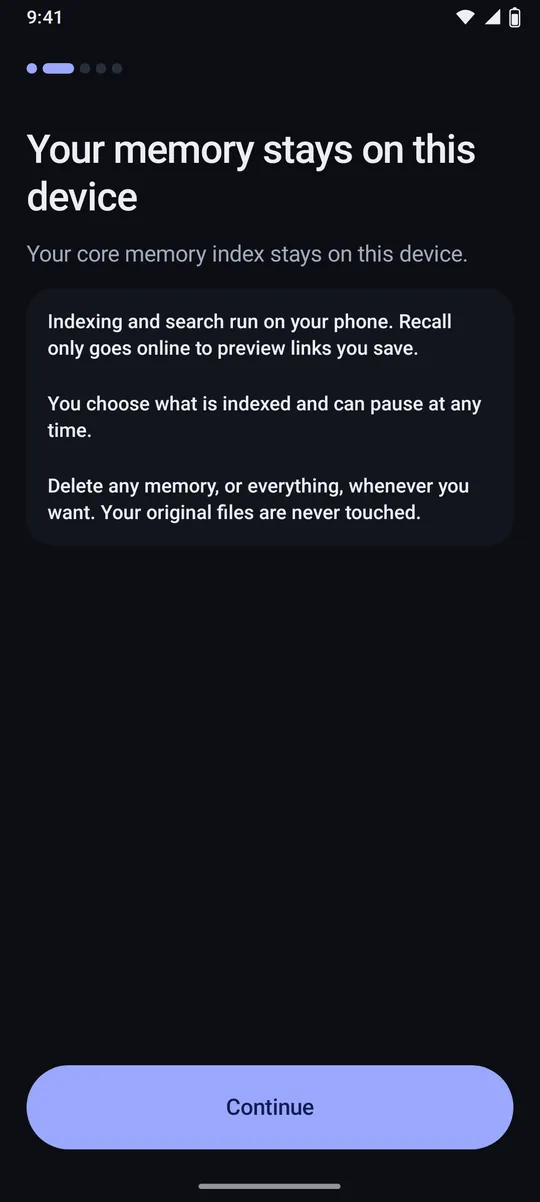
Setup Before any permission, Recall explains what stays on the phone.
How does Recall search?
Search is the product, and it never needs an AI model or a network connection. A query goes through four steps:
- Normalise. Case, spacing and punctuation stop mattering, and “40,000”, “40k” and “35 thousand” become numbers.
- Understand. A deterministic parser pulls out dates, amounts, source words and tags: “that 5g router around 40k” becomes the words “5g router” and an amount near 40,000.
- Retrieve three ways. Full-text search over titles, text, tags and entities; on-device sentence embeddings for meaning; and filters for dates, sources and amounts.
- Rank and explain. Hybrid ranking blends them. Sure constraints such as “last month” or “pdf” filter; fuzzy ones such as “around 40k” only boost, so a slightly wrong guess never hides the right result. Every result shows what matched.
Measured by the test suite on the CI machine. Phone figures come with release sign-off.
Privacy
Recall works on the phone and asks only for what it needs. Nothing you save is uploaded, and the app is built so that it can’t quietly start collecting.
- No uploads. The only internet use is fetching previews of links you save, and Settings › Privacy & Memory › Link previews turns that off.
- No covert monitoring. No accessibility service, no analytics, no ads and no account, and the build fails if an accessibility service or analytics is ever added.
- Encrypted at rest. The database is encrypted with SQLCipher, and its key is protected by the Android Keystore.
- You decide what it sees. Every source is opt-in, partial photo access and the Photo Picker are supported, folders can be excluded and indexing can be paused.
- Locked when you want. App lock with fingerprint, face or screen lock, and screenshots of Recall can be blocked.
- Gone when you say so. Delete one memory, several, or everything including the encryption keys. Your original files are never touched.
Engineering
Recall is written in Kotlin with Jetpack Compose, using MVVM with unidirectional state, Hilt, Navigation, Room, WorkManager and DataStore, across 23 Gradle modules. The model, domain and search engine are plain Kotlin, so they run as fast JVM tests.
- Indexing pipeline. WorkManager stages with versions, retries, pause and progress. Content hashes skip duplicates, and a rescan only touches what changed.
- Models on the phone. ML Kit and Tesseract read text, and compact int8 sentence-embedding models handle meaning. They ship inside the app, are pinned to exact checksums, and are never downloaded by it.
- Tested. More than 600 automated tests across unit, Robolectric, Compose UI and Room migrations, plus 10,000-item runs, an accessibility audit and macrobenchmarks.
- Decisions on record. More than 50 numbered design decisions document the trade-offs, from encryption to link previews.
Where is it now?
Every planned phase is built and passing CI, from the encrypted database to multilingual search and link previews. The current version is 0.2.1. What remains for version 1 is sign-off on real phones against the release checklist, with measured start-up, search and battery figures. Recall is not available to download yet.
Want to try it early, or talk about how it works?